
Typing Tests to Assess Progress ~ Before, During, & After
- Typing Test (Home Row only) ~ take this test to check for WPM and Accuracy of home row keys only
- Typing Test (all keys) ~ take this test to check for WPM and Accuracy of all keys
- Typing Test (all keys and some symbols)
Links to use as you Learn the Keys
Early Learners Learn the Keyboard

Keyseekers
|

|
|
Online Home Row Practice
Online Home Row Practice
Online Typing Tutorial Programs ~ great sites for extra practice
- Learn to Type Online
- FreeTyping.net ~ great site with games, lessons and timing test. Lessons and tests are broken down by individual letters learned which make them great to use while you are learning to type.
- Typing Web ~ a great site to reinforce keyboarding skills; broken into several different levels. Can be used as a log in site which saves progress or with out signing in. Sign in requires an email address. Great review for kids to do independently at home or at school.
- Online Free Touch Typing Program ~ nice online tutorials to help teach kids touch typing techniques
- Peter's Online Typing Course ~ This is a great, free online course to help reinforce keyboarding skills
Start Here:
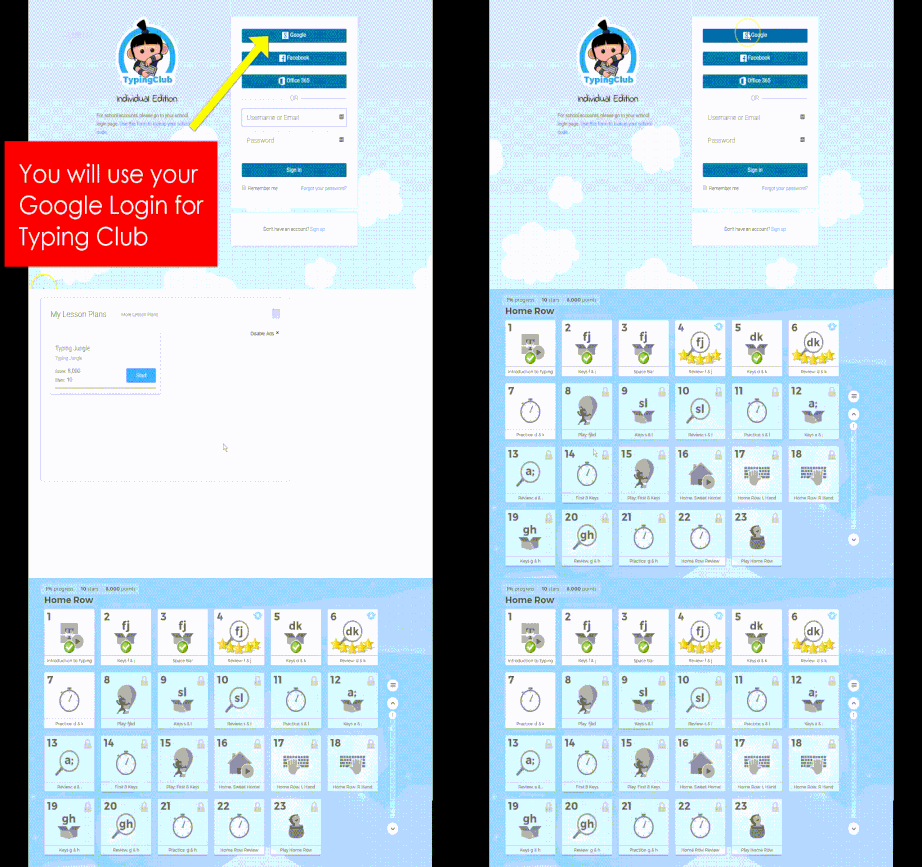
This is an online typing tutorial that can save your results using your Google login.
This is an online typing tutorial that can save your results using your Google login.
Next Steps for Extra Practice:
Use these sites for extra practice. Practice will build your skills and make you be awesome!
Use these sites for extra practice. Practice will build your skills and make you be awesome!
Once you have learned all of the keys, this is a really fun way to race your way to typing faster and more accurately ~ racing with others.
|
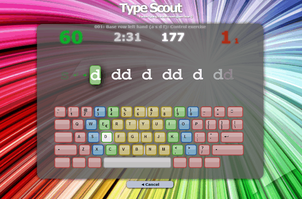
Type Scout is another online tutorial by using the Scout Mode lessons. Nice pacing. Other functions of this online program allows for much customization.
|
A great beginner tutorial for primary and intermediate students learning how to type.
|

This online typing program also uses Google sign on, so data is stored for students. The Beginner level teaches students the keys but the Intermediate, Advanced, and Practice levels are especially nice for
ongoing practice and review. Great for reinforcement of these skills. |

Fun Games to Play & Learn the Keyboard
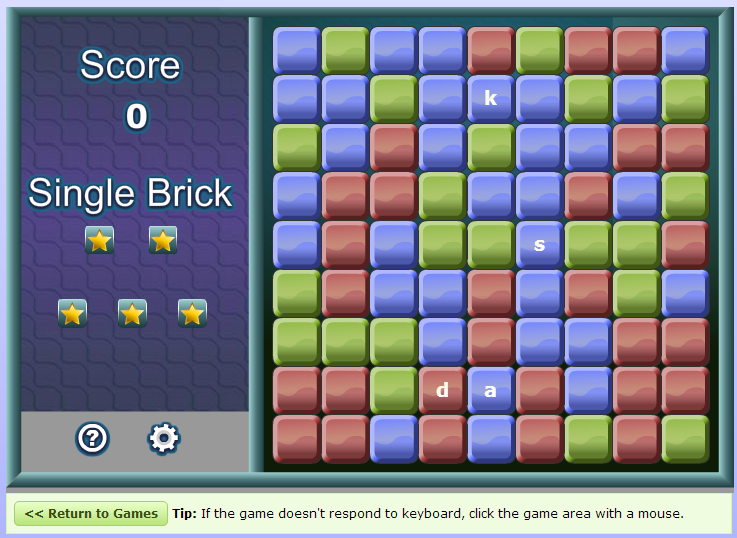

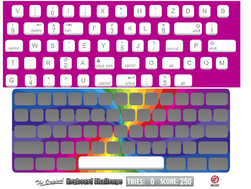
ABCya: Keyboarding Challenge:
this game scrambles the keys on the keyboard and kids have to put them back in their place 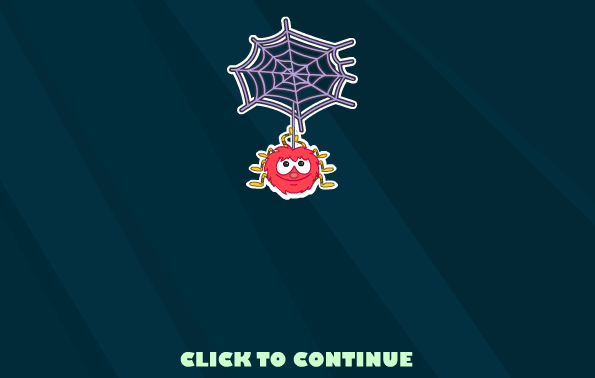
Super Hyper Spider Typer:
Great fun after all letter position are known. |

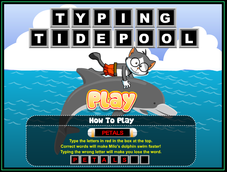
Typing TidePool:
Fun game to practice all keyboard letters |

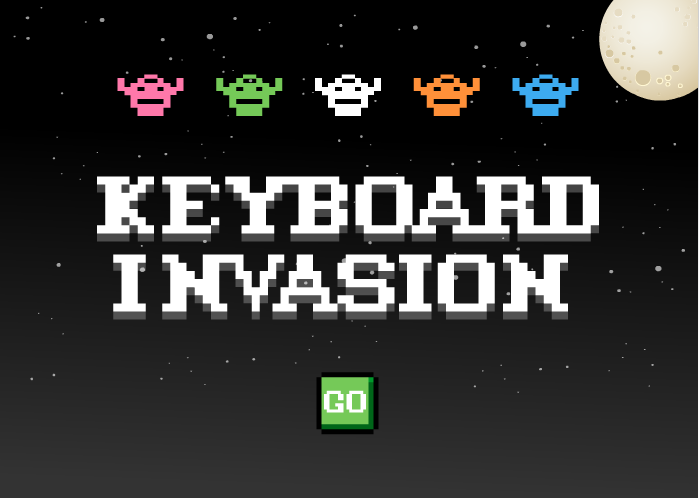
Ghost Typing:
great game after all letters have been learned 
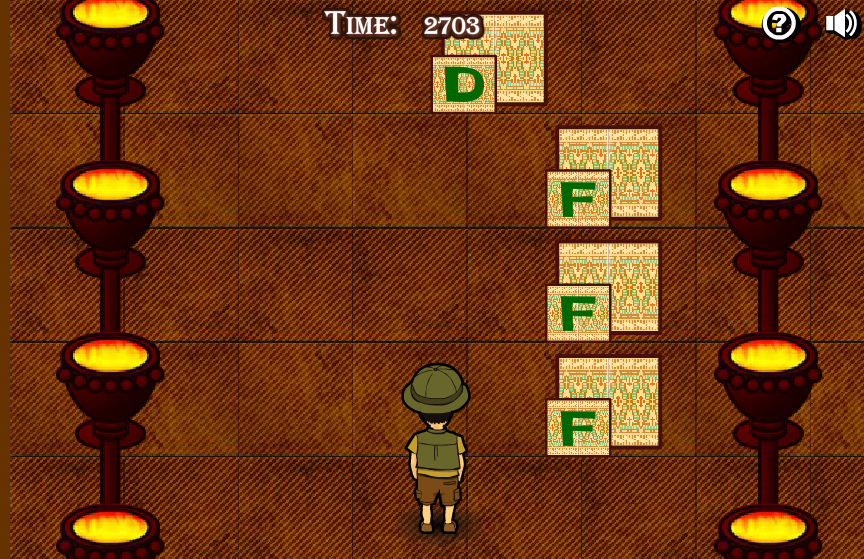
Typing Adventure
Fun game that practices all of the keyboard letters. |
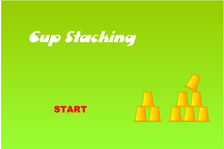
Cup Stacking Keyboarding:
fun but hard. Play only after all letters have been learned 
More Keyboarding
Games for Kids: This site has many fun activities that will help students practice proper keyboarding skills |
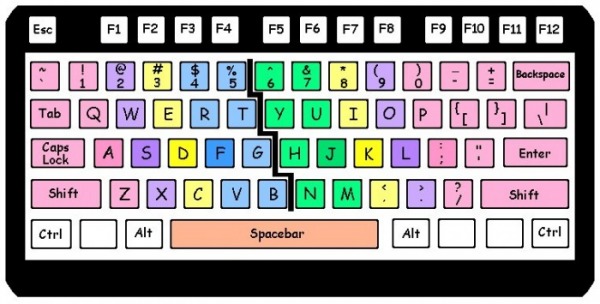
Keyboard graphic from: http://www.usoe.k12.ut.us/ate/keyboarding/resources/materials/keyboardcolor.bmp
Updated: March 28, 2017
Updated: March 28, 2017
